AI meeting copilots vs AI notetakers: why notes are too late
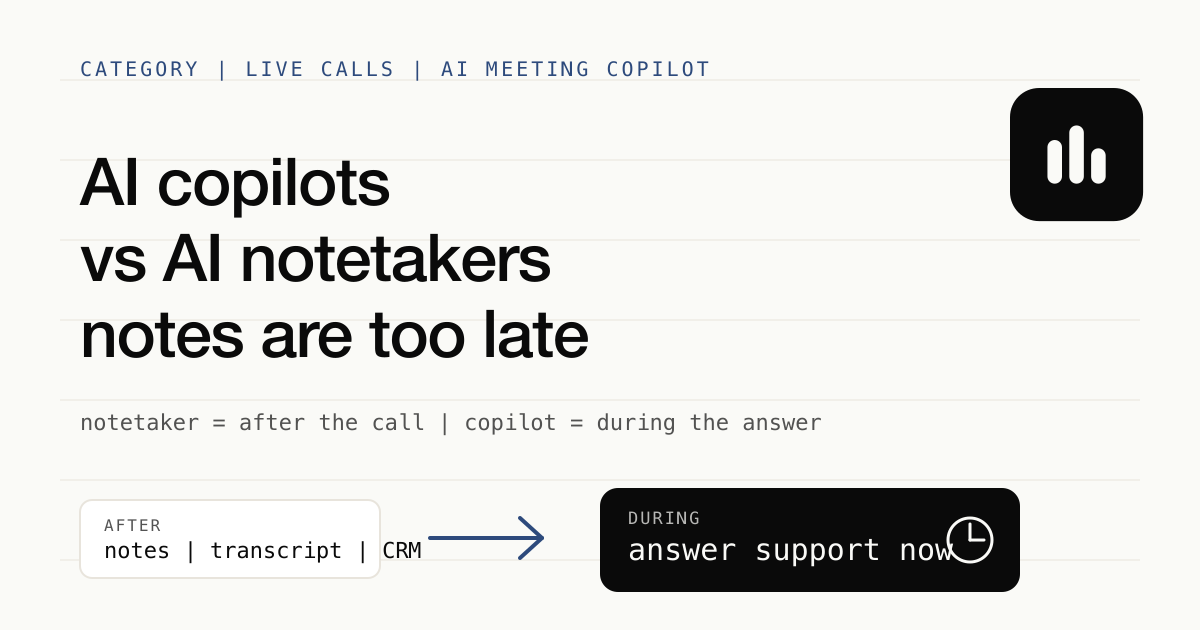
AI notetakers help after the meeting with transcripts, summaries, CRM notes, and team memory. AI meeting copilots help during the meeting, when the risk is not knowing what to say next.
Most AI meeting tools still sell the same promise: join the call, record the conversation, write a transcript, summarize the decisions, and push the notes somewhere useful after the meeting. That is valuable. It is also late.
The highest-risk moment in a difficult English call is rarely the follow-up. It is the four seconds after someone asks the question you were not ready for. A buyer asks why your implementation is safer than the incumbent. A customer pushes back on scope. A hiring manager asks for a sharper example. You know the answer, or your company has the answer somewhere, but the phrasing does not arrive fast enough.
That is the category difference.
An AI notetaker helps you remember what happened. An AI meeting copilot helps you respond while it is happening.
The simplest definition
An AI notetaker is optimized for the record of the meeting: transcript, recording, summary, action items, CRM fields, and searchable team memory. It turns a conversation into an artifact after the call.
An AI meeting copilot is optimized for the next live response: understand what was just said, find the relevant context, and help you answer clearly before the conversation moves on. It turns a conversation into better participation during the call.
The difference is not "AI vs no AI". Both categories use AI. The difference is timing and risk.
If the main risk is forgetting the call, use a notetaker. If the main risk is freezing, hedging, or answering weakly in the call, use a copilot.
Why after-the-call notes do not solve live-call risk
Notes are excellent for memory. They are bad at saving a moment that has already passed.
When a prospect asks a technical question in a sales call, a beautiful summary thirty minutes later does not restore the confidence that was lost when you said, "Let me follow up." When an executive challenges your recommendation, a clean transcript does not help you find the crisp second sentence. When a non-native English speaker understands the question but cannot quickly shape a senior answer, the post-call artifact is not the bottleneck.
The bottleneck is live response quality.
That is why "meeting productivity" has split into two categories. One category captures the meeting for later. The other supports the person in the meeting right now. Minuta is built for the second category: an AI meeting copilot for difficult English calls where the cost of a weak live answer is higher than the cost of messy notes.
Where AI notetakers still win
Notetakers are not obsolete. They are often the right tool, especially when the meeting itself is not where the risk lives.
Use an AI notetaker when you need team memory. If five people need to search what a customer said last quarter, a shared transcript and summary are useful. A copilot that only helps one person answer live does not replace that system of record.
Use an AI notetaker when the recording matters. Some calls need replay, quotes, training material, QA review, or legal evidence. A live copilot should not pretend to be a recording archive.
Use an AI notetaker when CRM hygiene is the job. Sales teams often need structured fields, account notes, next steps, and follow-up drafts. Products like Fireflies are strong in that post-call workflow; our Fireflies vs Minuta comparison is explicit about that trade-off.
Use an AI notetaker when the meeting is routine. If the call is low stakes and the main pain is writing minutes, after-the-call automation is enough.
The mistake is not buying a notetaker. The mistake is expecting a notetaker to solve a live-answer problem.
Where an AI meeting copilot wins
A copilot wins when the meeting can change based on what you say next.
It wins in a sales engineering discovery call, where the technical buyer asks one long-tail question and decides whether you are credible. The useful output is not "action item: send security docs." The useful output is a short, confident answer while the buyer is still listening.
It wins in customer success renewal calls, where the customer is upset and the wrong phrase can escalate the room. The useful output is a calmer framing, a specific concession boundary, or the right way to acknowledge the issue.
It wins in interviews and leadership meetings for non-native English speakers, where intelligence is not the issue. The issue is retrieval speed: finding the right example, phrasing it cleanly, and not sounding junior because the second language adds latency.
It also wins when privacy is part of the deal. Many notetakers are built around a visible bot, a cloud recording, or a shared workspace. That may be fine for a team standup. It may be awkward in a negotiation, a recruiting call, or a sensitive customer conversation. A live copilot can be designed around the person at the keyboard instead of a third-party participant in the room.
The buyer question is not "which one is smarter?"
The better question is: when do you need the value?
If you need value after the call, optimize for the artifact. Look for the best summary, recording controls, team sharing, CRM sync, integrations, and admin workflow. That is the notetaker job.
If you need value during the call, optimize for latency, local context, answer quality, privacy posture, and whether the tool can stay out of the meeting participant list. That is the copilot job.
This is also why some comparisons are misleading. Granola, for example, is a beautiful note-taking product for people who want cleaner personal notes and post-call structure. That is different from helping you answer a hard question live. We break down that distinction in Granola vs Minuta.
A practical rule
Before choosing a meeting AI tool, write down the sentence you are trying to make true.
"No one on the team should forget what the customer said." That is a notetaker sentence.
"I need to answer better while the customer is still on the call." That is a copilot sentence.
"Every account should have clean CRM notes by the end of the day." Notetaker.
"I need a private second brain during difficult English calls." Copilot.
The categories can coexist. A team might keep a notetaker for shared memory and use a copilot for high-stakes live conversations. What matters is not forcing one category to do the other's job.
Why Minuta is positioned as a copilot
Minuta is not trying to be the broadest meeting archive. We are building for the person who needs live support during difficult English calls and does not want a bot in the meeting.
That means the product priorities are different. Fast local transcription matters because the answer window is measured in seconds. Private context matters because the sensitive material is often in your notes, docs, and past calls. A quiet desktop workflow matters because the other side should not have to adapt to your tool.
If your problem is post-call team memory, use the best notetaker for that workflow. If your problem is live answer quality, try the category built for that moment. You can start from the AI meeting copilot use case or go straight to downloads.
Notes are useful. They are just too late for the moment that decides the call.